
WordPress plugin installation is much easier. You can install a plugin in seconds.
Installation:
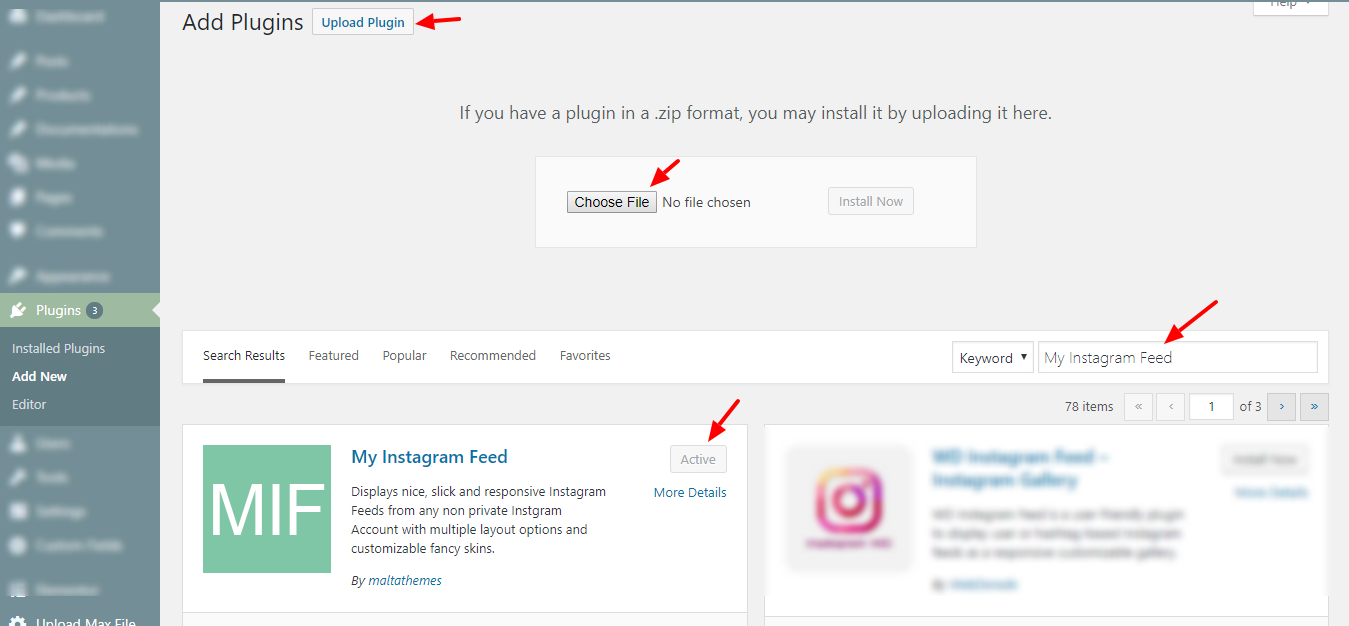
- Navigate to “Plugins > Add New > Upload Plugin” or Search “My Instagram Feed” in search bar by maltathemes.
- Activate the plugin by clicking Install and then Activate button.
- you are done :)
Screenshot:
Was this article helpful?
Thanks for your feedback!
Can't find what you're looking for?
Our support team replies within one business day.